Home design software has completely changed the way homeowners, DIY renovators, and professional designers plan their spaces. Whether you’re remodeling a kitchen, redesigning a living room, or planning a full home renovation, the right tool can save time, prevent costly mistakes, and help you visualize your ideas before spending a single dollar.
But not all design software is created equal.
Some platforms are built for beginners who want simple drag-and-drop tools. Others are designed for advanced 3D modeling, construction planning, and professional rendering.
In this guide, we reviewed and compared the best home design software available in 2026. We looked at ease of use, features, pricing, flexibility, and real-world performance to help you choose the right platform for your needs.
Whether you’re a first-time homeowner sketching ideas or a professional designer creating detailed plans — this guide will help you find the best software for your project.
| Software | Best For | Starting Price | Our Rating |
|---|---|---|---|
| Planner 5D | Beginners | Free / Paid | 9/10 |
| SketchUp | Advanced users | Paid | 8.5/10 |
| Chief Architect | Renovation planning | Paid | 8/10 |
Planner 5D – Best for Beginners

4
Overview
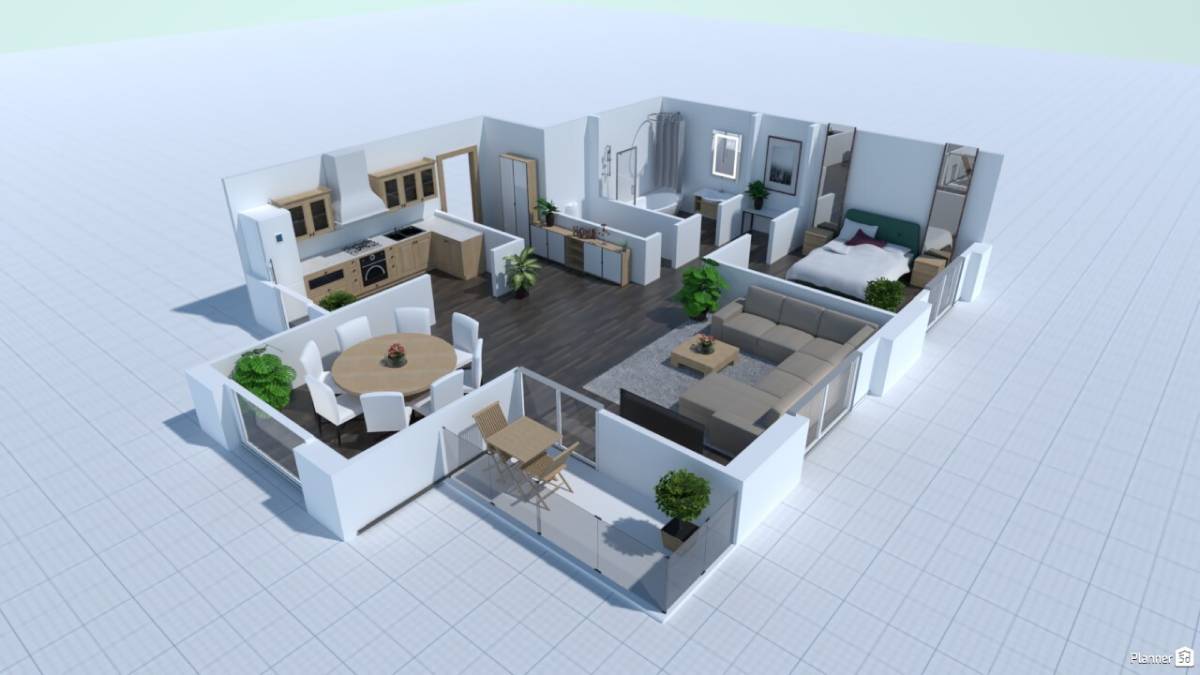
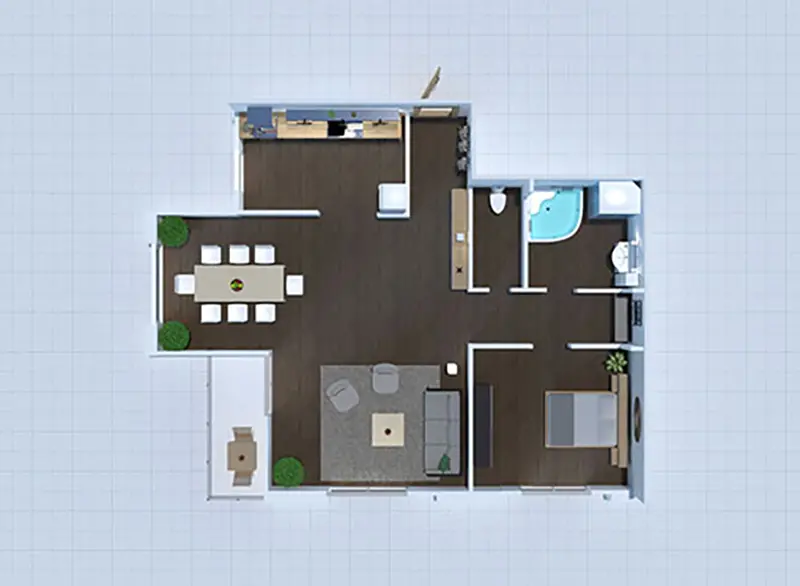
Planner 5D is one of the most beginner-friendly home design platforms available today. It allows users to create detailed 2D floor plans and fully rendered 3D room designs without needing any technical experience.
The interface is clean, intuitive, and designed for homeowners who want quick visual results. You can drag and drop furniture, adjust dimensions, experiment with layouts, and instantly switch between 2D and 3D views.
For DIY users, this removes the complexity found in more advanced modeling programs.
Key Features
- Drag-and-drop room builder
- 2D & 3D viewing modes
- Large furniture and decor library
- AI-powered layout suggestions
- Works in browser (no heavy installation required)
Pros
- Extremely easy to use
- Free version available
- Fast learning curve
- Great for small renovation planning
Cons
- Limited advanced construction tools
- High-end rendering requires paid plan
Pricing
Planner 5D offers a free version with limited features. Premium plans unlock full catalog access, high-quality renders, and advanced tools.
Who It’s Best For
Planner 5D is ideal for:
- First-time homeowners
- DIY remodelers
- Apartment renters redesigning layouts
- Users who want quick visual planning without technical learning curves
Final Verdict on Planner 5D
If you’re new to home design software and want something simple, fast, and visual, Planner 5D is one of the best starting points available.
SketchUp – Best for Advanced 3D Modeling

4
Overview
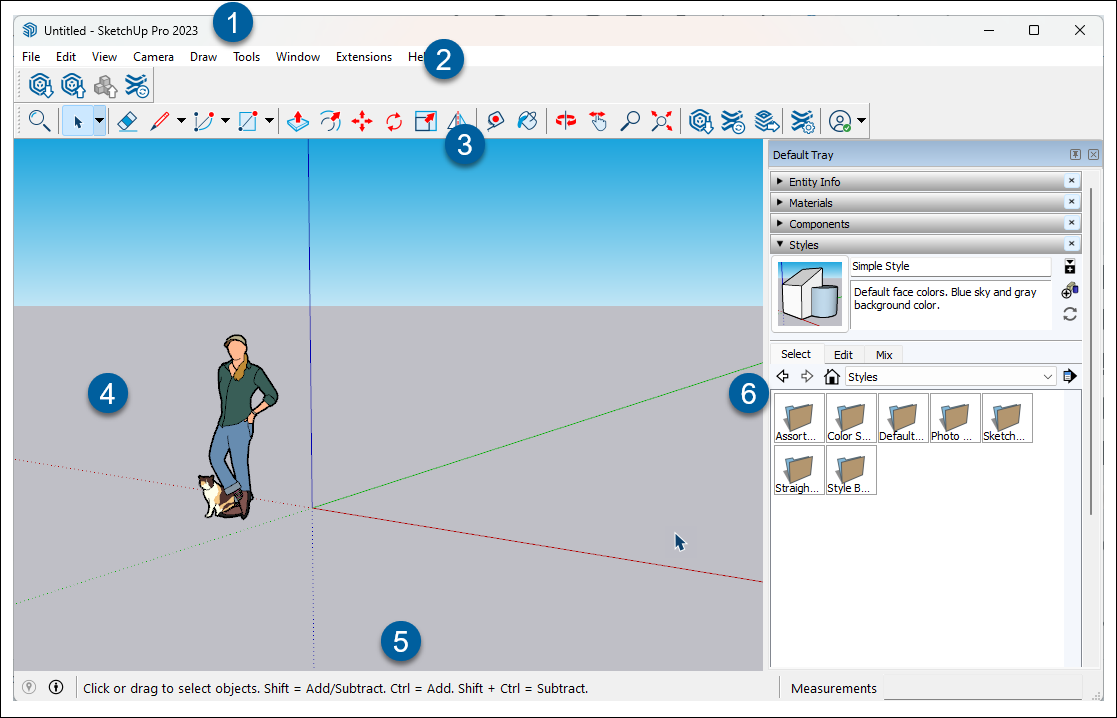
SketchUp is one of the most powerful and widely used 3D modeling tools in the world. Originally popular among architects and engineers, it has become a go-to platform for serious DIY renovators and interior designers who need precision and flexibility.
Unlike beginner-focused tools, SketchUp offers detailed modeling capabilities that allow users to create fully customized floor plans, structural elements, cabinetry, and even landscape designs.
There is a learning curve — but the control it provides is significantly greater.
Key Features
- Advanced 3D modeling tools
- Extensive extension marketplace
- Precise dimension control
- Cloud storage (web version available)
- Professional rendering compatibility
Pros
- Highly customizable
- Industry-recognized tool
- Scales from small projects to full construction plans
- Strong community and plugin ecosystem
Cons
- Steeper learning curve
- Mostly paid plans for full features
- Can feel overwhelming for beginners
Pricing
SketchUp offers a limited free web-based version. Paid subscriptions unlock advanced modeling tools, cloud storage, and professional-grade export options.
Who It’s Best For
SketchUp is ideal for:
- Professional designers
- Architects and contractors
- Serious DIY remodelers
- Users who need detailed measurements and technical drawings
Final Verdict on SketchUp
If you want complete control over your designs and are willing to invest time learning the platform, SketchUp is one of the most capable home design tools available.
Chief Architect – Best for Renovation & Construction Planning

4
Overview
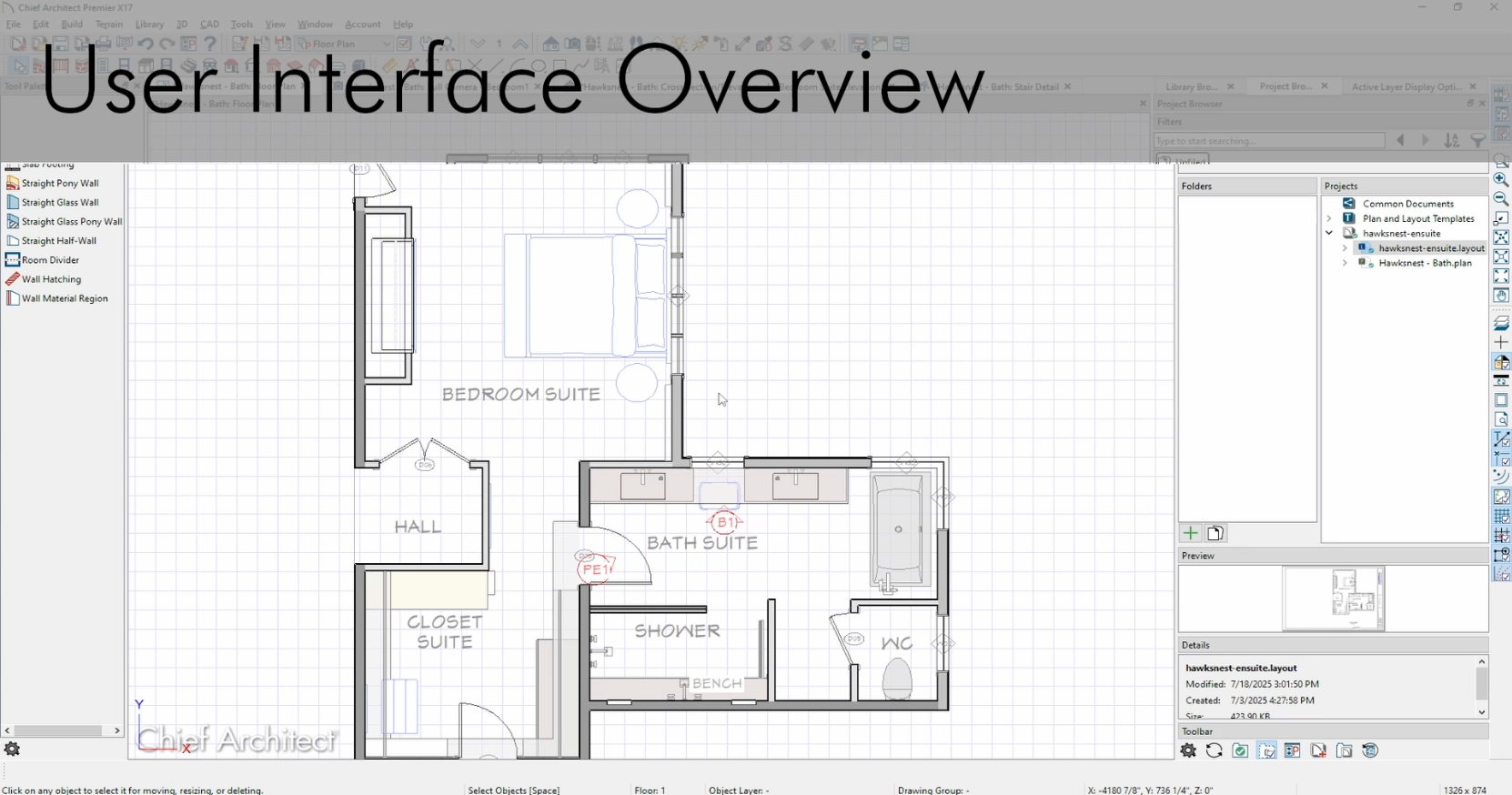
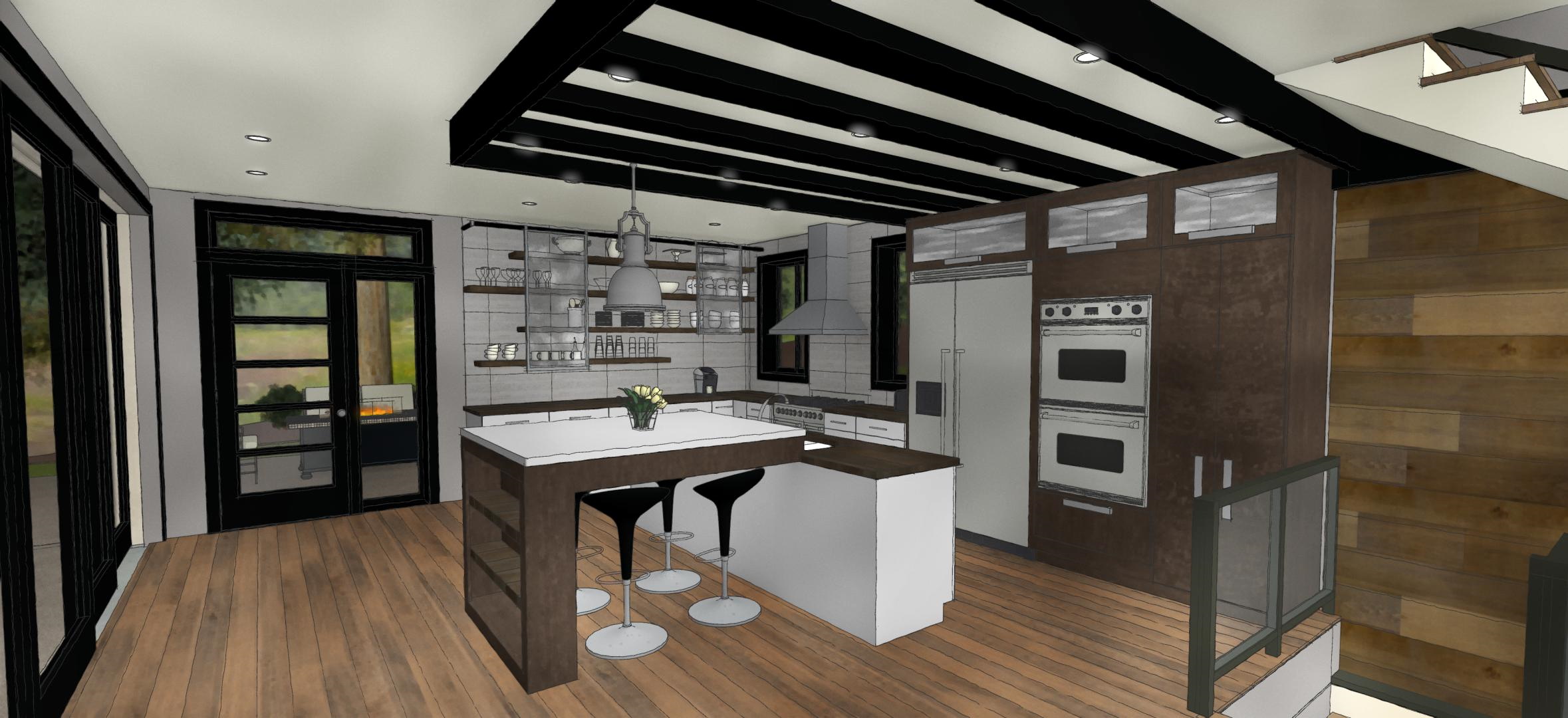
Chief Architect is a professional-grade home design program built specifically for residential construction and remodeling projects. Unlike beginner-focused tools, this platform is designed to generate highly detailed construction drawings, elevation views, framing plans, and material lists.
It’s commonly used by builders, contractors, and serious renovation planners who need accuracy beyond visual mockups.
While it’s more technical than Planner 5D and more construction-focused than SketchUp, it delivers exceptional depth for large-scale projects.
Key Features
- Automated building tools
- Construction documentation generation
- Material lists & cost estimation
- Framing and structural layout tools
- Professional rendering capabilities
Pros
- Extremely detailed construction tools
- Designed specifically for residential building
- Generates professional blueprints
- Strong support for remodel workflows
Cons
- Expensive compared to beginner tools
- Significant learning curve
- Overkill for small cosmetic redesigns
Pricing
Chief Architect is a premium software solution with higher pricing tiers. It’s best suited for professionals or homeowners undertaking major renovation projects.
Who It’s Best For
Chief Architect is ideal for:
- Contractors and builders
- Full home renovation planners
- Advanced DIYers tackling structural projects
- Professionals needing blueprint-level detail
Final Verdict on Chief Architect
If your project involves structural changes, additions, or full-scale renovation planning, Chief Architect offers the most comprehensive toolset of the three.
Final Verdict: Which Home Design Software Is Best in 2026?
Choosing the best home design software depends on your experience level and project goals.
- Best for Beginners: Planner 5D
- Best for Advanced Design & Flexibility: SketchUp
- Best for Renovation & Construction Planning: Chief Architect
If you’re just getting started, begin with Planner 5D to visualize your ideas quickly. If you need more control and customization, SketchUp offers deeper modeling capabilities. For full construction-level planning, Chief Architect stands out as the most robust solution.
The right tool ultimately depends on how detailed your project needs to be — but all three platforms offer powerful solutions depending on your goals.