The Best Home Design Software of 2026
We tested every major home design tool so you don’t have to. Here’s our complete, honest breakdown of what’s worth your time — and what’s not.
Finding the Right Tool Is Harder Than It Should Be
There are dozens of home design tools out there — and most of them market themselves as “easy”, “professional”, and “perfect for homeowners”. The reality? Most are built for architects and designers, not the average person planning a kitchen renovation or bedroom redesign.
We spent weeks testing the most popular tools across the same criteria: ease of use, visual quality, features, mobile experience, and value for money. This guide gives you our honest verdict on each one — including who each tool is actually built for.
If you just want the short answer: Planner 5D is the best home design tool for most homeowners. It’s the easiest to use, produces the most beautiful 3D results, and has a genuinely useful free plan. Everything else in this guide is for people with specific needs that Planner 5D doesn’t cover.
But read on — because the right tool really does depend on what you’re trying to do.
These are the Best Home Design Software Options in 2026
Here’s our hands-on verdict on each tool — ranked from best to most specialized.
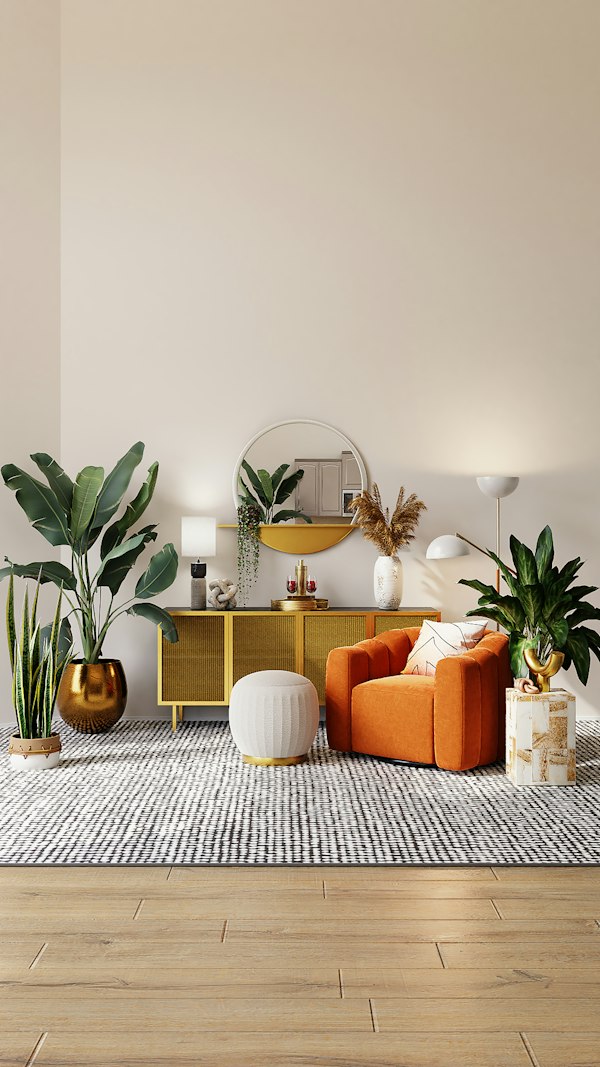
The best all-round home design tool for homeowners — beautiful, easy, and free to start.

A solid tool for creating accurate 2D floor plans — best for experienced users who need precision over visual wow.

Great for creating clean floor plans to share with contractors — easy to use but lacks visual inspiration.

Powerful professional-grade 3D modeling — but the steep learning curve makes it the wrong tool for most homeowners.
Quick Comparison Table
All four tools compared across the metrics that matter most to homeowners.
| Tool | Ease of Use | Free Plan | Mobile App | 3D Quality | Best For | Rating |
|---|---|---|---|---|---|---|
| Planner 5D ★ Pick | ⚡ Very Easy | ✓ Yes | ✓ iOS & Android | Excellent | Homeowners | ★★★★★ 4.8 |
| Floorplanner | Moderate | ✓ Limited | ✗ Web only | Decent | Floor Plans | ★★★★☆ 4.5 |
| RoomSketcher | Easy | ✓ Limited | ✗ Web only | Functional | Contractors | ★★★★☆ 4.3 |
| SketchUp Free | Complex | ✓ Web version | ✗ No app | Professional | Advanced Users | ★★★★☆ 4.6 |
Which Tool Is Right for Your Project?
The best tool depends on what you’re actually trying to do. Here’s our recommendation by project type.
Room Redesign or Furniture Planning
You want to try different furniture arrangements, test colour schemes, and see your room in 3D before moving anything.
Full Home Renovation Planning
You’re renovating multiple rooms and need to visualize the whole project before committing to contractors and budgets.
Technical Floor Plans for Contractors
You need precise measured floor plans to share with builders or architects — accuracy matters more than 3D visuals.
DIY Building Projects
You’re building furniture, decking, or custom structures and need precise 3D geometry with exact measurements.
Just Getting Started — Free Only
You want to explore home design tools without spending anything and see what’s possible before committing.
Design on Your Phone or Tablet
You want to design on the go — on your phone during a lunch break or on a tablet while sitting in your living room.
Head-to-Head Comparisons
Want to compare two specific tools? We’ve done the detailed breakdowns for you.
Planner 5D vs SketchUp: Which Is Easier for Homeowners?
Two very different tools — one built for homeowners, one for professionals. See which one wins for your project.
Read comparisonPlanner 5D vs Home Designer Suite: Which Is Better?
Home Designer Suite is popular but expensive. We break down whether it’s worth the premium over Planner 5D.
Read comparisonPlanner 5D vs Floorplanner: Which Is Right for You?
Both are popular browser-based tools — but they serve very different needs. Here’s how to choose.
Read comparisonStop Researching. Start Designing.
For most homeowners, Planner 5D is the clear winner. It’s free to start, takes minutes to learn, and produces stunning results. Give it a try — you’ll see why we recommend it.
Try Planner 5D Free →Free to use · No credit card required · Works in your browser